Athlete check-in quick guide
How member attendance, guardian bookings, staff check-in, kiosk self check-in, phone QR handoff, and branch auto-checkin fit together.
- 1
Choose how your club records attendance
CompTeam separates attendance booking from check-in.
- Attendance booking means a member or guardian says the athlete is coming.
- Check-in means the athlete was actually confirmed at the class.
Keep Auto-checkin off if your club wants staff, kiosk, or phone QR check-in to confirm who actually arrived. Turn it on only when every member attendance booking should immediately count as checked in.
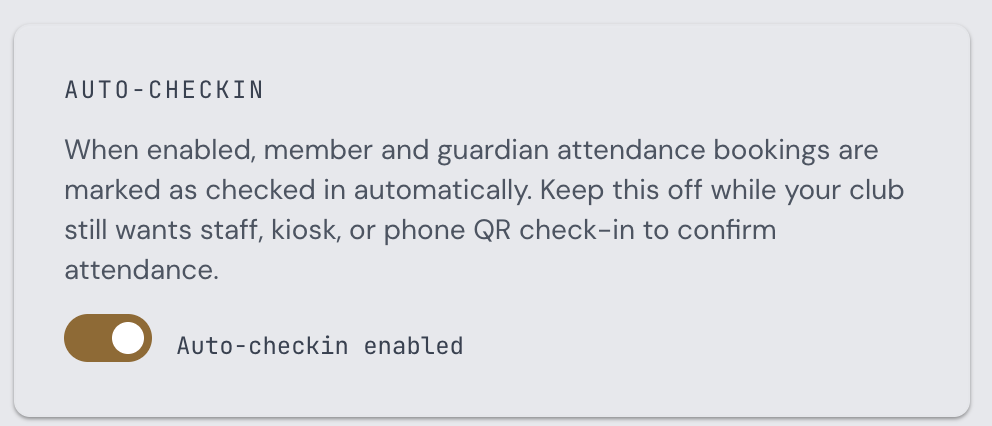
Branch Settings screen showing the Auto-checkin toggle enabled - 2
Member and guardian attendance
Members can mark themselves as attending from their training schedule. Guardians can do the same for linked kids.
With Auto-checkin off, these bookings show as attending but not checked in until staff, kiosk, or phone QR check-in confirms them.
With Auto-checkin on, member and guardian bookings are marked checked in immediately. Public trial or inquiry leads are not auto-checked.
- 3
Staff and coach check-in
Staff and coaches can open the class roster and check athletes in manually. This remains available whether Auto-checkin is on or off.
Use staff check-in when the coach wants direct control from a phone, or when an athlete cannot use the kiosk or QR handoff.
- 4
Kiosk self check-in
The iPad kiosk shows the current class, or the next class inside the check-in window. Athletes select the correct class when several visible classes start together, search their name, and check themselves in.
Kiosk walk-ins are controlled by the separate Kiosk walk-in check-in setting.
- 5
Phone QR check-in
The kiosk can show a short-lived QR code for the selected class. Athletes scan it with their phone, sign in if needed, and complete the check-in on their own device.
Use this when the front-desk device should not be passed around, or when several athletes arrive at once.