Gear-order payment clearance
Confirm manual gear orders automatically when the linked gear bill is cleared, while keeping Stripe-ready orders on the Stripe flow.
- 1
When to enable gear-order clearance
Use this when gear orders should wait for a bank-visible payment before staff confirms the order. It is useful for branches that collect transfers, Bizum, cash-card terminal payments, or other manual payments outside Stripe.
When the setting is off, gear orders keep the normal billing behavior.
- 2
Configure the branch setting
Go to Branch Settings and enable Gear-order payment clearance.
This setting only changes non-Stripe-ready gear orders. Stripe-ready orders still use the normal Stripe checkout flow.
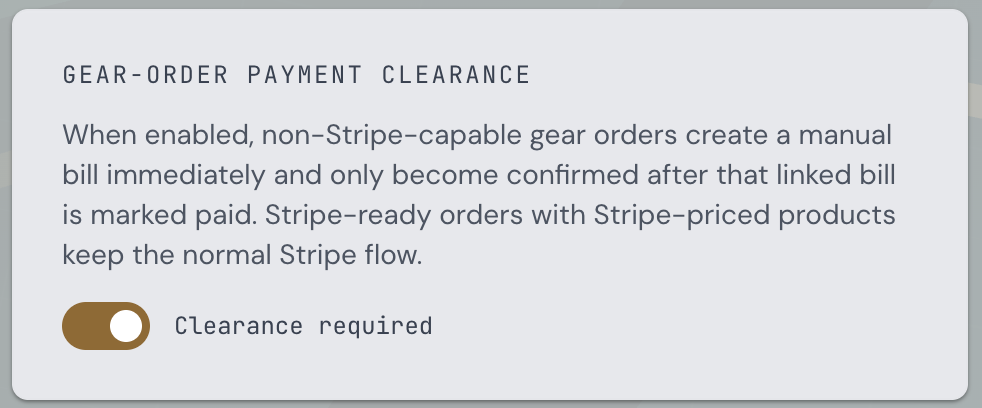
Branch Settings - Gear-order payment clearance toggle - 3
Stripe-capable orders bypass the flow
If the branch is configured for Stripe and every product in the order has a Stripe price, CompTeam keeps the existing Stripe gear billing flow. No manual clearance bill is created at order time.
If the branch is not Stripe-ready, or even one product in the order has no Stripe price, the whole order uses manual payment clearance.
- 4
What happens when the order is placed
CompTeam creates the gear order as pending and immediately creates a linked manual gear bill for the order amount.
That linked bill is attached to the order, so the regular gear billing run skips it and does not create a second invoice.

Gear orders table - pending order awaiting payment on the linked bill 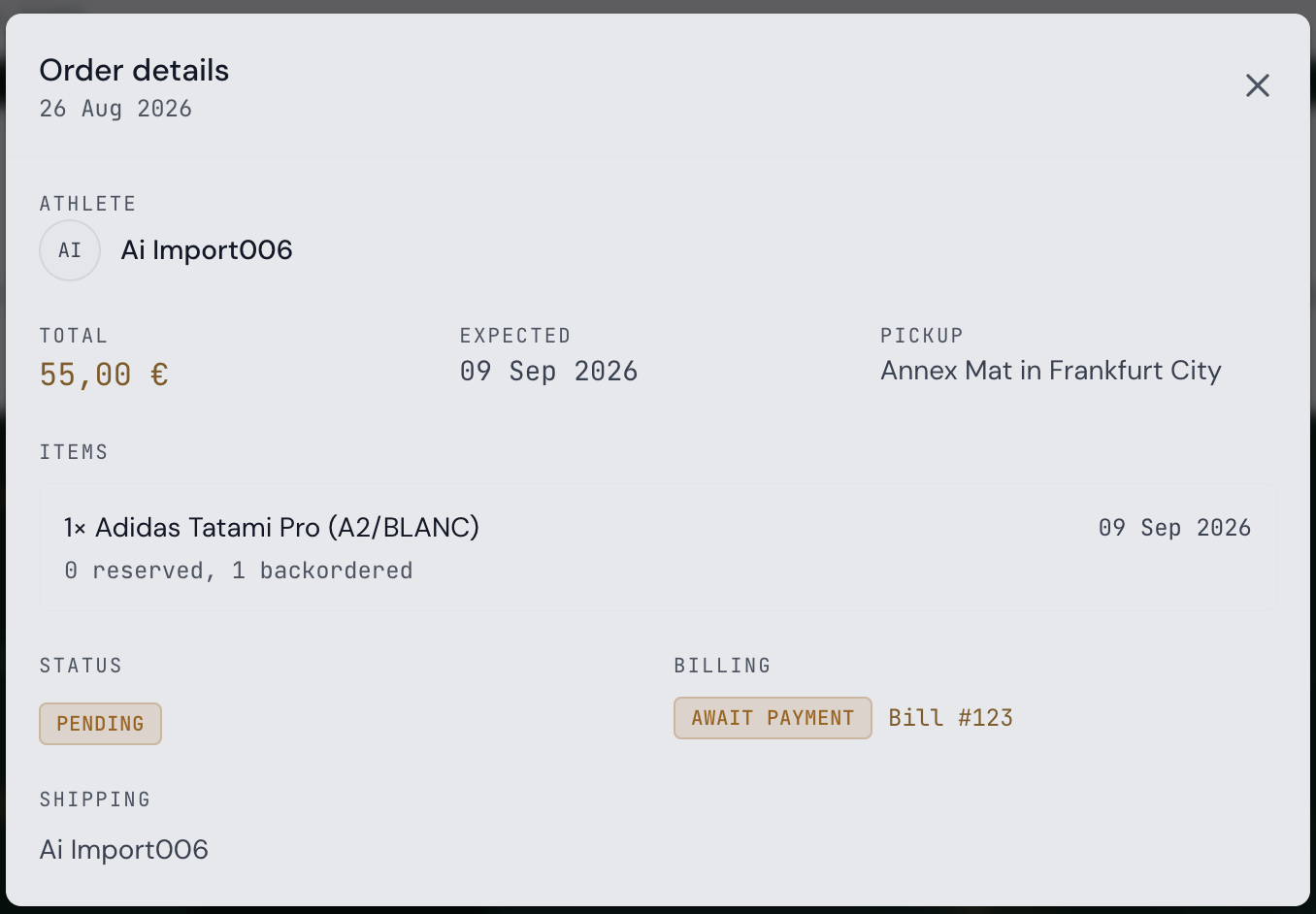
Gear order details - linked bill awaiting payment before confirmation - 5
Clear the linked bill
Go to Billing and clear the linked gear bill using your branch clearing mode.
With Easy clearing, open the bill and mark it paid. With Full bank clearing, upload the bank statement CSV and let CompTeam match the payment; low-confidence matches still use the normal confirmation step.
- 6
How the order is confirmed
As soon as the linked manual gear bill is marked paid, CompTeam marks the order paid and moves it to confirmed.
Waived, failed, reversed, unmatched, and unrelated bills do not confirm gear orders.
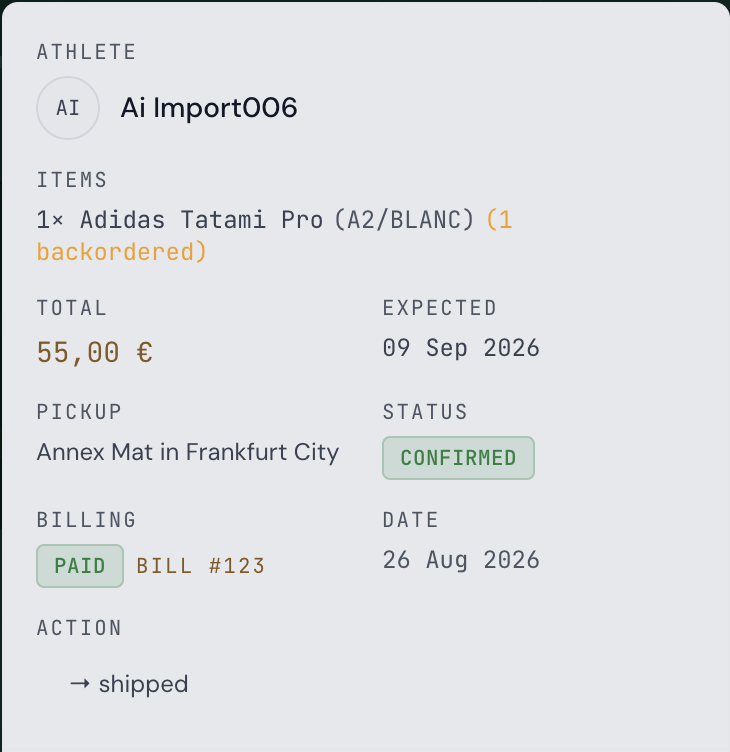
Gear order details - linked bill paid and order confirmed